
IBPS PO Left Thumb Impression 2026: Size, Format & Official Guidelines
Quick Overview
Practice free quizzes, mock tests, current affairs and exam-wise preparation resources on ExamTune.
ExamTune IBPS PO Left Thumb Impression Guide (PDF)
ExamTune guide to IBPS PO thumb-impression size, format, ink and permitted alternatives when the left thumb is unavailable. This is not the original IBPS notification; verify the governing rules on the official IBPS website.
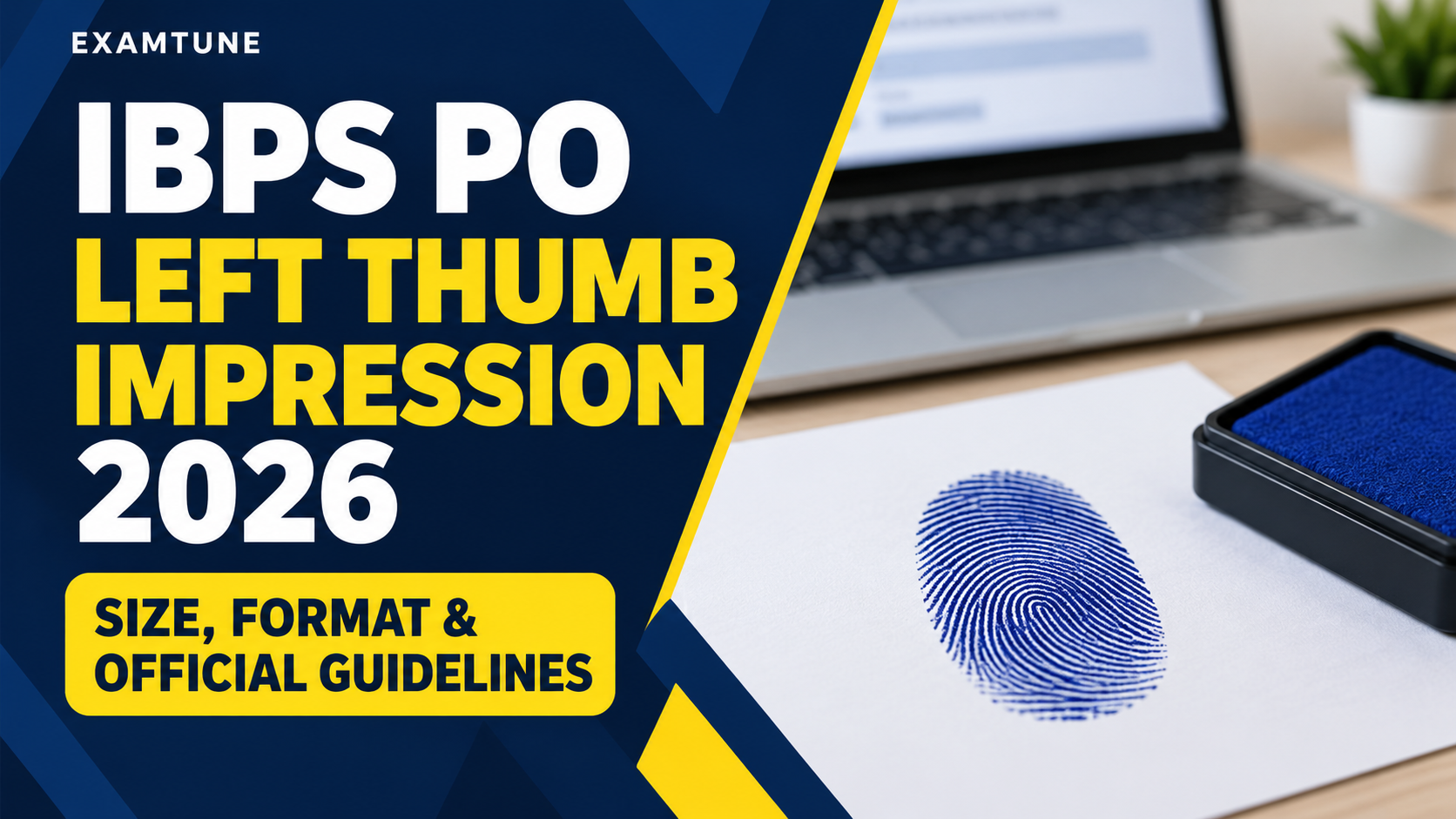
IBPS PO Left Thumb Impression 2026 is one of the important document-upload requirements connected with the IBPS PO online application process. Candidates applying for the Common Recruitment Process for Probationary Officers/Management Trainees must prepare the thumb impression according to the specifications prescribed by the Institute of Banking Personnel Selection (IBPS). An incorrect file size, wrong format, unclear impression or use of an incorrect document can create problems during the upload process.
For the IBPS PO/MT-XVI recruitment cycle, candidates were required to upload their photograph, signature, left thumb impression, handwritten declaration and other applicable documents according to the specifications mentioned by IBPS. The online registration window for the 2026 recruitment cycle was open from 1 July 2026 to 26 July 2026. Therefore, the application window is currently closed, but candidates can use the specifications below to understand the official IBPS PO thumb impression requirements and verify the document prepared or submitted during registration.
IBPS PO Left Thumb Impression 2026 Overview
| Particular | Official Requirement |
|---|---|
| Document | Left Thumb Impression |
| Paper | White Paper |
| Ink Colour | Black or Blue Ink |
| File Format | JPG / JPEG |
| Preferred Dimensions | 240 × 240 Pixels |
| Resolution | 200 DPI for preferred required quality |
| Approximate Physical Size | 3 cm × 3 cm (Width × Height) |
| File Size | 20 KB to 50 KB |
IBPS PO Left Thumb Impression Size
The prescribed IBPS PO left thumb impression size is 20 KB to 50 KB. Candidates should ensure that the final JPG or JPEG image remains within this range before attempting to upload it. A file smaller or larger than the prescribed range may not meet the upload specifications.
The preferred thumb impression dimensions are 240 × 240 pixels at 200 DPI, which corresponds to approximately 3 cm × 3 cm in width and height. These dimensions help maintain a clear square image in which the fingerprint pattern can be seen properly.
IBPS PO Left Thumb Impression Format
The official left thumb impression format is JPG or JPEG. Candidates should not assume that another image or document format will be accepted simply because it can be opened on a computer or mobile device. Preparing the file directly in JPG/JPEG format and within the prescribed file-size range is the safest way to meet the IBPS PO document specifications.
The impression must be taken on white paper using black or blue ink. The image should be clearly scanned and the fingerprint should not appear smudged. A clean impression is important because excessive ink, movement while pressing the thumb or poor scanning can reduce the visibility of the fingerprint pattern.
How to Prepare IBPS PO Left Thumb Impression Correctly
To prepare the IBPS PO thumb impression, first use a clean white sheet of paper. Apply black or blue ink evenly to the left thumb and place the thumb on the paper carefully. The impression should be clear and should not be heavily smudged.
After taking the impression, scan or capture it clearly and crop the image so that unnecessary blank space does not dominate the document. Resize the final image to the preferred 240 × 240 pixels specification while maintaining sufficient image clarity. The final file should be saved as JPG or JPEG and kept between 20 KB and 50 KB.
Correct Thumb Impression Checklist
- Use the candidate’s own thumb impression.
- Use the left thumb where available.
- Take the impression on white paper.
- Use only black or blue ink.
- Keep the impression clear and properly scanned.
- Avoid a blurred or heavily smudged fingerprint.
- Save the document in JPG or JPEG format.
- Prefer dimensions of 240 × 240 pixels at 200 DPI.
- Keep the final file size between 20 KB and 50 KB.
What If a Candidate Does Not Have a Left Thumb?
IBPS provides specific instructions for candidates who cannot provide a normal left thumb impression. These instructions should be followed in the prescribed order rather than selecting another finger arbitrarily.
If the candidate does not have a left thumb, the right thumb may be used. If both thumbs are missing, the impression of one of the fingers of the left hand, starting from the forefinger, should be taken.
If there are no fingers on the left hand, the candidate may use one of the fingers of the right hand, starting from the forefinger. If no fingers are available, the left toe impression may be used.
In every case where a normal left thumb impression is not uploaded, the candidate should mention in the uploaded document the name of the finger used and whether it belongs to the left or right hand, or specify the toe used. This is an important official instruction and candidates using an alternative impression should not omit this identification.
Common Mistakes in IBPS PO Thumb Impression Upload
Several avoidable errors can make an otherwise correct IBPS PO document upload unsuitable. Candidates should carefully check the document before final submission.
- Uploading a file above 50 KB or below 20 KB.
- Using a format other than JPG/JPEG.
- Taking the impression on coloured or unclear paper.
- Using an ink colour other than black or blue.
- Uploading a blurred or smudged thumb impression.
- Preparing an image in which the fingerprint is too small to see clearly.
- Using the right thumb despite having an available left thumb.
- Using an alternative finger without identifying the finger and hand as required.
- Uploading another candidate’s impression.
IBPS PO Left Thumb Impression vs Signature
Candidates should not confuse the IBPS PO Left Thumb Impression with the signature upload. These are separate application documents and have different specifications. The signature is created using a black ink pen on white paper, whereas the thumb impression is created with black or blue ink. The left thumb impression also has its own specified image size and dimensions.
The same distinction applies to the handwritten declaration. The handwritten declaration is another separate upload and should not be merged with the left thumb impression image. Candidates should prepare every document individually according to the relevant IBPS PO upload guidelines.
Why the IBPS PO Thumb Impression Must Be Clear
The purpose of prescribing a specific IBPS PO thumb impression size, file format and image dimensions is to maintain a clear and usable digital record. Candidates should therefore focus not only on reducing the image to the required KB range but also on preserving visibility.
Excessive compression can make fingerprint lines difficult to identify, while excessive cropping can cut off part of the impression. The better approach is to take a clean original impression, scan it properly, crop only unnecessary white space and then adjust the file to the required specifications.
Current Status of IBPS PO Application
For the IBPS PO/MT-XVI recruitment cycle, online registration began on 1 July 2026 and closed on 26 July 2026. The separate application-editing window was available on 29 and 30 July 2026. Therefore, candidates should not treat the thumb-impression specifications on this page as an indication that fresh IBPS PO applications are currently open.
The specifications remain useful for understanding the official IBPS PO application documents and for checking the document requirements followed during the current recruitment cycle.
Important Instructions for Candidates
Before any future IBPS application, candidates should check the notification applicable to that specific recruitment cycle because IBPS can prescribe document requirements through the relevant notification and online application instructions. Do not rely on an old file without checking the active recruitment notice.
For official recruitment notices and updates, candidates should refer to the official IBPS website.
In summary, the IBPS PO Left Thumb Impression should be taken on white paper using black or blue ink, saved in JPG/JPEG format, preferably prepared at 240 × 240 pixels in 200 DPI, and kept between 20 KB and 50 KB. Candidates who cannot provide a left thumb impression must follow the alternative finger or toe procedure specified by IBPS and clearly identify the alternative impression used.
Additional Important Article
Related Articles
- IBPS PO Mains Admit Card
- IBPS PO Vacancy
- IBPS PO Important Topics
- IBPS PO Salary
- IBPS PO Job Profile
- IBPS PO Cut Off
- IBPS PO Previous Papers
- IBPS PO Exam Analysis
- IBPS PO First Attempt Strategy
- IBPS PO Interview Tips
- IBPS PO Admit Card
- IBPS PO Age Limit
- IBPS PO Document Verification
- IBPS PO Personality Test
- IBPS PO Selection Process
IBPS Official Links
Popular Online Live Classes



Bank Maha Pack | Complete Subscription for IBPS, RRB & SBI Exams 2026-27
Frequently Asked Questions
What is the IBPS PO left thumb impression file size?
It should be 20 KB to 50 KB.
What is the required format for the thumb impression?
The file must be in JPG/JPEG format.
What are the preferred dimensions?
The preferred dimensions are 240 × 240 pixels.
What DPI is preferred for the thumb impression?
IBPS specifies 200 DPI for preferred quality.
Which ink should be used for the thumb impression?
Use black or blue ink on white paper.
Which thumb impression is required for IBPS PO?
Candidates should normally upload the left thumb impression.
Can I use my right thumb impression?
Yes, if the left thumb is not available, the right thumb may be used.
Can the thumb impression be smudged?
No. The impression should be clear and properly scanned
Is 240 × 240 pixels compulsory?
It is stated as the preferred dimension for required quality.
When was the IBPS PO 2026 thumb impression uploaded?
It was uploaded during the online application process, which ran from 1 July to 26 July 2026.
About the Author

Practice free quizzes, mock tests, current affairs and exam-wise preparation resources on ExamTune.