
IBPS Clerk Final Form Preview Checklist: 25 Things to Check Before Submission
Quick Overview
Practice free quizzes, mock tests, current affairs and exam-wise preparation resources on ExamTune.
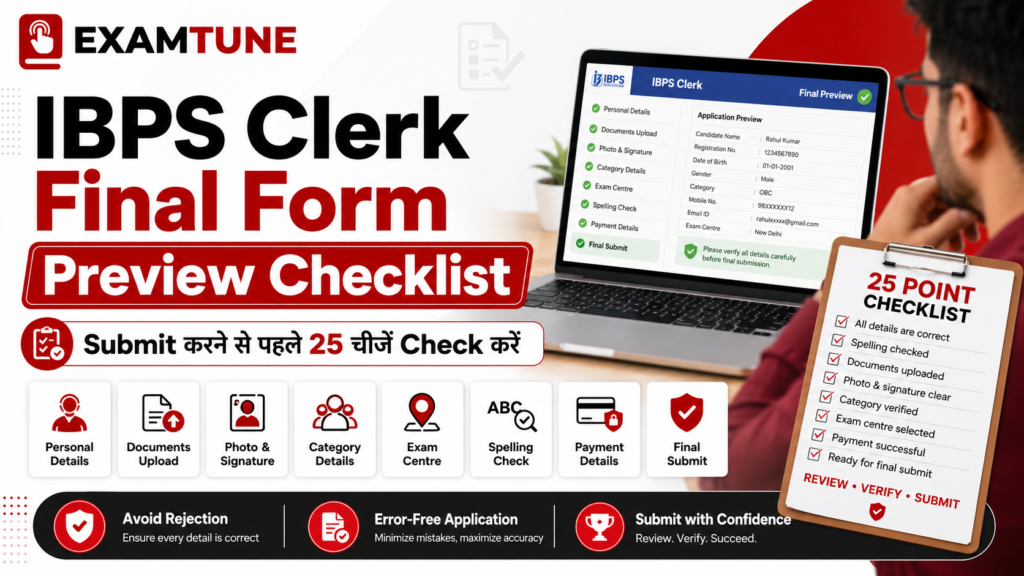
IBPS Clerk Final Form Preview Checklist: Quick Overview
| Field | Details |
|---|---|
| Exam Name | IBPS Clerk 2026, officially referred to as CRP CSA-XVI |
| Application Mode | Online |
| Selection Process | Preliminary Examination, Main Examination, local-language requirements where applicable, and provisional allotment |
| Official Website | ibps.in |
| Primary Action | Review all 25 checklist points carefully before submitting the application form |
Why the IBPS Clerk Final Form Preview Checklist Matters
Following the IBPS Clerk Final Form Preview Checklist in a fixed sequence is safer than reviewing fields randomly. Start with identity details, move to eligibility and preferences, inspect every upload, and finish with payment and declarations. The online form becomes the base record for later stages of recruitment. Details printed on your admit card, scorecard, application reprint, and verification records may be connected to the information submitted during registration. The IBPS Clerk Final Form Preview Checklist reduces the risk of mismatched details and helps you notice incomplete fields before the form is locked. Do not assume that every error can be corrected later. An edit window may be subject to an official notice, limited conditions, a correction fee, and restrictions on specific fields. It is safer to submit the correct information the first time.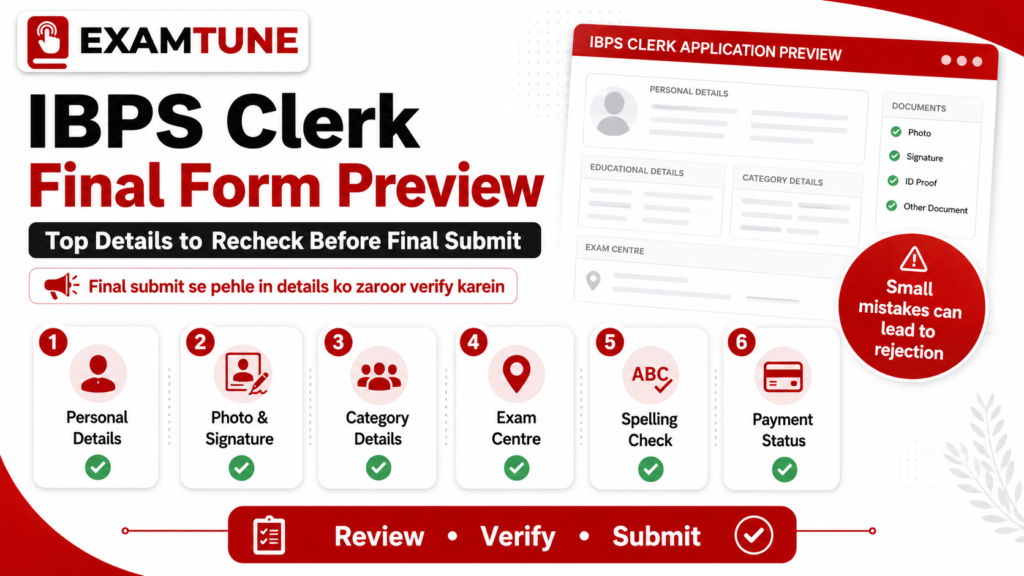
IBPS Clerk Final Form Preview Checklist: 25 Points
IBPS Clerk Final Form Preview Checklist for Your Name
Check the spelling, order, initials, and spacing of your name. It should match the name printed on the certificates and identity documents accepted for the recruitment process. Avoid informal spellings, nicknames, or unnecessary abbreviations.Verify Your Date of Birth
Compare the entered date of birth with your Class 10 certificate or the document prescribed in the official notification. Confirm the day, month, and year separately because a simple digit reversal can affect eligibility.Review Parent or Guardian Details
Check the spelling of your father’s, mother’s, or guardian’s name wherever requested. Use the same version that appears in your relevant records and avoid accidental titles, symbols, or typing errors.Confirm Gender, Marital Status, and Nationality
Review all personal-status fields shown in the preview. Select only the option that is factually correct and supported by the information required under the notification.Check Mobile Number and Email Address
Confirm that both contact details are active and accessible. Registration alerts, payment messages, call-letter updates, and other communications may be sent to the mobile number or email address entered in the form.Verify Correspondence and Permanent Addresses
Review the house number, street, locality, district, State or Union Territory, and PIN code. Ensure that the address is complete and that correspondence and permanent-address fields have not been accidentally interchanged.Confirm Category Selection
Check whether you selected General, EWS, OBC-NCL, SC, ST, or another applicable category correctly. Your claim should match the valid certificate requirements, format, issuing authority, and relevant date conditions stated by IBPS.Review EWS or OBC-NCL Details
If you are claiming EWS or OBC-NCL benefits, confirm that you understand the certificate conditions. Do not select a reserved category merely because an older or unrelated certificate is available.Check PwBD and Scribe Information
Verify the disability category, percentage, scribe requirement, and related declarations, if applicable. These details must be accurate and supported by the documents specified in the current notification and applicable guidelines.Confirm Ex-Servicemen Information
Review service status, period of service, discharge details, and any other ex-servicemen fields. Use information supported by official service records and the eligibility conditions applicable to the recruitment.Recheck the Selected State or Union Territory
This is one of the most sensitive choices in the IBPS Clerk Final Form Preview Checklist. Confirm the State or Union Territory against which you are applying because vacancies, language requirements, and allotment considerations may be linked to this selection.Verify Local-Language Proficiency
Review the language selected or declared for the chosen State or Union Territory. Be prepared to meet the local-language requirement in the manner prescribed by IBPS or the participating bank.IBPS Clerk Final Form Preview Checklist for Qualification
Confirm your degree, discipline, university or institution, passing date, and result status. The qualification must satisfy the eligibility cut-off and conditions stated in the current official notification.Verify Marks, CGPA, and Percentage Conversion
Enter marks or percentage exactly as required. When your institution awards CGPA or grades, follow the prescribed conversion rule and keep documentary proof of the conversion method available.Confirm the Date of Passing
Check the date on which your final result was declared or your qualifying status was established. Do not rely only on the convocation date or the date printed on a later degree certificate.Review Computer Literacy Details
Verify any information entered regarding computer operations, computer language, school or college study, or a relevant certificate. Keep the supporting record ready if the form or notification requires it.Check Examination Centre Preferences
Confirm the selected centres for the preliminary and main examinations. Make sure you have not chosen a similarly named city by mistake and that the order reflects your practical travel preference.Review Participating Bank Preferences
If bank preferences are available in the application, examine the complete order carefully. Do not arrange banks randomly. Consider location preference, career goals, and willingness to accept allotment before saving the final order.IBPS Clerk Final Form Preview Checklist for the Photograph
The photograph should be recent, clear, properly oriented, and compliant with the portal instructions. Check that your face is visible and that the correct file was uploaded instead of an unrelated image.Inspect the Uploaded Signature
Make sure the signature is clear, correctly placed, and created by the candidate. It should not be in capital letters when the instructions prohibit that format. Check for cropping, blur, or a blank preview.Check the Left Thumb Impression
Review the thumb impression for clarity and correct orientation. Confirm that it belongs to the candidate and meets the file-size, format, and scanning instructions displayed by the portal.Verify the Handwritten Declaration
Ensure that the declaration is written by the candidate in the required language and wording, then scanned clearly. Do not use typed text, another person’s handwriting, or an altered declaration.Review the Live Photograph
If the application process requires a live photograph, check that it is clear, current, and consistent with the uploaded photograph and identity proof. Avoid poor lighting, covered facial features, or an unsuitable background.IBPS Clerk Final Form Preview Checklist for Fee Payment
Check that the payment status is successful and that an e-receipt or transaction reference is available. A debit from the bank account alone does not always prove that the application has been accepted successfully.Read Every Declaration Before Final Submission
The final step in the IBPS Clerk Final Form Preview Checklist is to read all declarations, consent statements, and eligibility confirmations. Tick a declaration only after understanding it, preview every page again, and submit only when no field requires correction.Common Mistakes the IBPS Clerk Final Form Preview Checklist Can Prevent
| Common Mistake | Possible Consequence | Best Prevention |
|---|---|---|
| Name or date-of-birth mismatch | Difficulty during identity or document verification | Match entries with the prescribed certificates |
| Wrong category claim | Loss of benefit or eligibility issue | Check certificate validity and category conditions |
| Incorrect State or language selection | Vacancy or local-language complications | Review the chosen State and language requirement |
| Blurred uploaded document | Application scrutiny or verification problem | Open every uploaded file in the preview |
| Incomplete payment | Application may remain incomplete | Confirm successful status and save the e-receipt |
What to Save After Completing the IBPS Clerk Final Form Preview Checklist
After successful submission, download the completed application form and payment receipt. Save digital copies in at least two secure locations. Also preserve your registration number, password or login credentials, transaction reference, and the email or SMS confirming registration. Print a copy if convenient and keep it with your certificates. Do not share your login details publicly. Continue checking the official IBPS website for notices, correction-window information, call letters, and examination updates.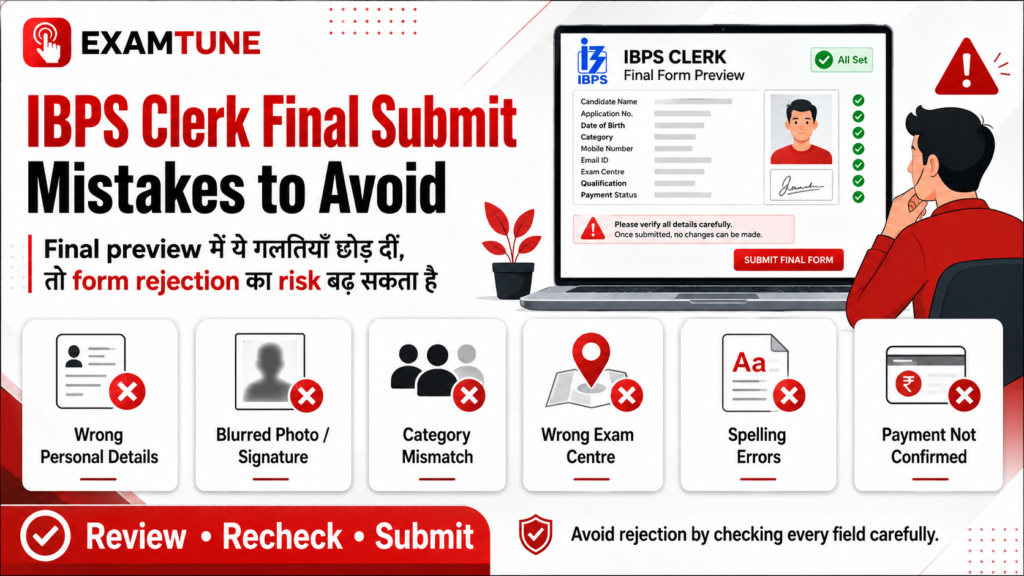
Before submitting the IBPS Clerk final form, carefully recheck personal details, photograph, signature, category, exam centre, spelling and payment status to avoid rejection.
Complete Your Final Review Carefully
Use this IBPS Clerk Final Form Preview Checklist before clicking final submit. A careful review today can prevent avoidable application and verification problems later. Check the 25-Point Form Checklist Visit the Official IBPS PagePrepare for IBPS Clerk with ExamTune
Boost your preparation with India’s trusted banking exam platform.-
- ✔ Live Interactive Classes
- ✔ Recorded Video Lectures
- ✔ Latest PDF Notes
- ✔ Section-wise Mock Tests
- ✔ Previous Year Papers
- ✔ Daily Practice Questions
- ✔ Expert Doubt Support
- ✔ Interview & Document Verification Guidance
Related IBPS Clerk 2026 Guides
Frequently Asked Questions
What should I check in the IBPS Clerk final form preview?
Check your name, date of birth, category, educational details, exam centre preferences, uploaded documents, contact details and application fee status before final submission.
Can I edit the IBPS Clerk application form after final submission?
Generally, candidates cannot edit most details after final submission unless IBPS provides an official correction facility. Therefore, verify every entry carefully before submitting the form.
What happens if my name is incorrect in the IBPS Clerk form?
An incorrect name may create problems during document verification. Your name should match the spelling mentioned on your valid identity proof and educational certificates.
Should the date of birth match my Class 10 certificate?
Yes, your date of birth should match the date mentioned on your Class 10 certificate or another document accepted by IBPS.
How can I confirm that my IBPS Clerk form is successfully submitted?
Check whether the application status shows final submission completed, the payment is successful and the completed application form is available for download.
What should I check in the uploaded photograph and signature?
Ensure that the photograph is clear, the signature is properly visible and all uploaded files meet the size, format and dimension requirements mentioned by IBPS.
Is it necessary to check the state and bank preference before submission?
Yes, review your selected state, participating bank preferences and local language details carefully because these choices may affect your recruitment and allotment.
What should I do if the IBPS Clerk fee payment is pending?
Do not submit another payment immediately. First check your payment status, bank statement and application dashboard. Follow the official instructions if the transaction remains incomplete.
Should I download the IBPS Clerk application form after submission?
Yes, download and save the final application form, fee receipt and registration details. These documents may be required during later recruitment stages.
Why is the IBPS Clerk final form preview checklist important?
The IBPS Clerk final form preview checklist helps candidates identify incorrect or missing information before submission and reduces the risk of rejection or document verification issues
Practice free quizzes, mock tests, current affairs and exam-wise preparation resources on ExamTune.