Computer Certificate for IBPS Clerk 2026: 7 Important Rules to Avoid Rejection
Quick Overview
Practice free quizzes, mock tests, current affairs and exam-wise preparation resources on ExamTune.
IBPS Clerk 2026 Computer Literacy Rules — Notification PDF
IBPS-issued CRP-CSA-XVI notification hosted on ExamTune. See PDF pages 15–16 for the computer-literacy requirement, qualification recognition and result cut-off. This is not a computer-course certificate.
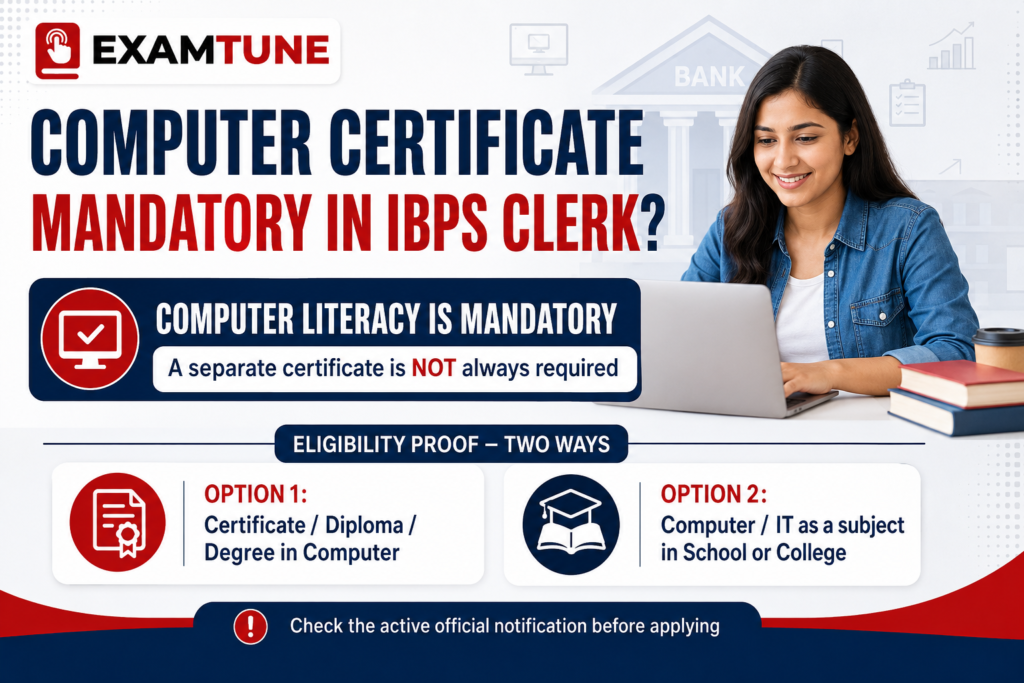
Computer Certificate for IBPS Clerk is an important eligibility topic for candidates applying for the Customer Service Associate post under CRP-CSA-XVI. The official IBPS notification makes operating and working knowledge of computer systems mandatory. A candidate can prove this through a Certificate, Diploma or Degree in computer operations or computer language, or through an academic record showing Computer or Information Technology as a subject in High School, College or an Institute.
Is Computer Certificate Mandatory for IBPS Clerk?
A separate certificate is required only when the candidate cannot establish computer literacy through another route permitted in the notification. IBPS provides the following alternatives:
- a Certificate in computer operations or computer language;
- a Diploma in computer operations or computer language;
- a Degree in computer operations or computer language; or
- Computer or Information Technology studied as a subject in High School, College or an Institute.
Therefore, a candidate whose recognised marksheet clearly lists Computer or Information Technology as a subject does not normally need an additional certificate. Knowing how to use a computer without supporting documentary proof is not one of the routes specified by IBPS.
Computer Certificate for IBPS Clerk: Overview
| Particular | Correct Information |
|---|---|
| Recruitment | IBPS Customer Service Associate, CRP-CSA-XVI |
| Basic requirement | Operating and working knowledge of computer systems is mandatory |
| Separate certificate | Not required when valid academic proof satisfies the notification |
| Certificate route | Certificate, Diploma or Degree in computer operations or computer language |
| Academic route | Computer or Information Technology studied as a subject in High School, College or an Institute |
| Qualification cut-off for CRP-CSA-XVI | 21 August 2026 |
| Final authority | Official IBPS notification, applicable corrigenda and document-verification decision |
What Proof Is Accepted?
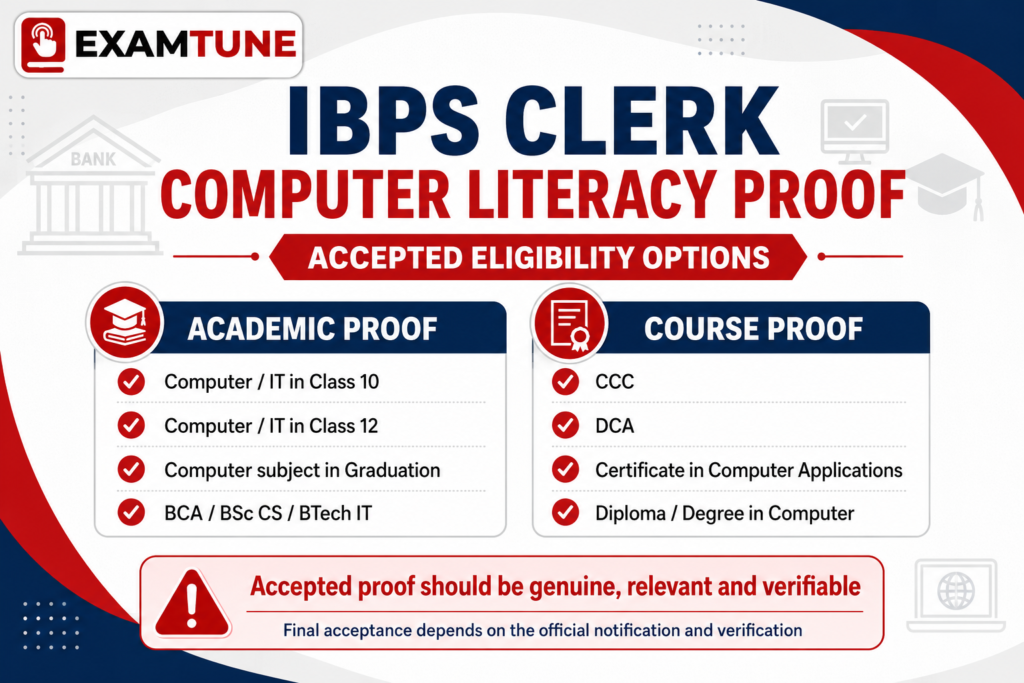
The strongest proof is a clear, genuine and verifiable document that directly matches a route written in the notification. Depending on the candidate’s background, it may be:
- a Class 10 or Class 12 marksheet showing Computer or Information Technology as a subject;
- a college, university or institute marksheet showing Computer or Information Technology;
- a semester or consolidated marksheet showing a relevant computer-language subject;
- a Certificate or Diploma in computer operations or computer language;
- a relevant computer-related Degree with supporting marksheets; or
- a provisional or final certificate supported by the required result and academic records.
The educational qualification should be from a University, Institution or Board recognised by the Government of India or approved by the appropriate government regulatory body. A participation certificate, self-declaration, work-experience letter or statement that the candidate knows MS Office should not be treated as an automatic substitute.
Who Needs a Separate Computer Certificate?
- Candidates who did not study Computer or Information Technology as a subject;
- candidates whose marksheets do not clearly show an eligible computer subject;
- candidates who have practical knowledge but no documentary proof;
- candidates whose certificate is incomplete, unverifiable or only records participation; and
- candidates who cannot establish the institution, course or result date through supporting records.
Who May Not Need a Separate Certificate?
| Candidate Background | Document to Keep | Separate Certificate |
|---|---|---|
| Computer/IT in Class 10 | Class 10 marksheet and certificate | Generally not required |
| Computer/IT in Class 12 | Class 12 marksheet and certificate | Generally not required |
| Computer/IT in graduation | Relevant semester or consolidated marksheet | Generally not required |
| Relevant computer degree | Degree, marksheets and result proof | Normally not required when records satisfy the rule |
| No computer subject or relevant qualification | No qualifying academic proof | An eligible Certificate, Diploma or Degree is needed |
Are CCC, DCA, NIELIT and Online Certificates Valid?
Is CCC Valid for IBPS Clerk?
The CRP-CSA-XVI notification does not mention CCC by name. A genuine CCC certificate may be considered under the broader certificate route if it establishes the required computer knowledge, comes from an appropriate recognised or approved body and is accepted during verification. CCC is not the only route allowed by IBPS.
Is DCA Valid for IBPS Clerk?
DCA can fit the Diploma or Certificate route when the programme covers computer operations or computer language and the issuing institution and document are genuine and verifiable. The title “DCA” alone does not create an unconditional guarantee.
Is a NIELIT Certificate Valid?
A relevant NIELIT qualification may provide strong documentary evidence of computer study. Candidates should still compare the exact course and certificate with the official wording and keep the original certificate, result and supporting records ready.
Are Private or Online Certificates Accepted?
IBPS does not publish a provider-wise list approving every private or online certificate. Online delivery does not by itself make a certificate valid or invalid. The qualification must fit the prescribed computer-operations or computer-language route, come from an eligible issuing body, meet the cut-off date and remain verifiable. No private platform can guarantee acceptance on behalf of IBPS or a participating bank.
Does a Computer Subject in School or College Count?
Yes. The official clause permits Computer or Information Technology studied as one of the subjects in High School, College or an Institute. The subject should appear on an official marksheet or academic record. If the title is related but different—for example Computer Science, Computer Applications, Programming or a computer language—keep the syllabus, marksheets or an official institutional clarification available if required.
Does One Semester of Computer Study Count?
The notification says Computer or Information Technology should have been studied as “one of the subjects”; it does not prescribe a minimum number of semesters in this clause. If a relevant subject appears in one semester, keep that marksheet and the complete degree records ready. Final scrutiny remains with the competent verification authority.
Does MS Office Knowledge or Work Experience Qualify?
Practical knowledge of Word, Excel, email and internet is useful, but skill alone is not documentary proof. An employer’s experience letter is also not expressly listed as a replacement for the Certificate, Diploma, Degree or academic-subject routes.
What Date Should Be on the Computer Certificate?
For CRP-CSA-XVI, the prescribed date for educational qualifications was 21 August 2026. The final result of the relied-upon qualification had to be declared on or before that date. A candidate should not assume that a course completed after 21 August 2026 will retrospectively establish eligibility for this cycle.
The relevant date is the qualification/result cut-off in the official notification—not necessarily the application-submission, examination or document-verification date. A later certificate may be useful for a future recruitment cycle, subject to that cycle’s rules.
Is the Certificate Uploaded with the Application Form?
A computer certificate is not among the standard scanned images listed for upload with the online application, such as the photograph, signature, left-thumb impression and handwritten declaration. Candidates must nevertheless enter correct details and produce supporting documents whenever required. Submission of the application does not waive the eligibility condition.
When Is the Computer Certificate Checked?
Eligibility documents may be checked at document verification, joining or another stage specified by IBPS or the participating organisation. If the application form contains a computer-qualification selection or description, it should be consistent with the proof produced.
Documents to Keep Ready
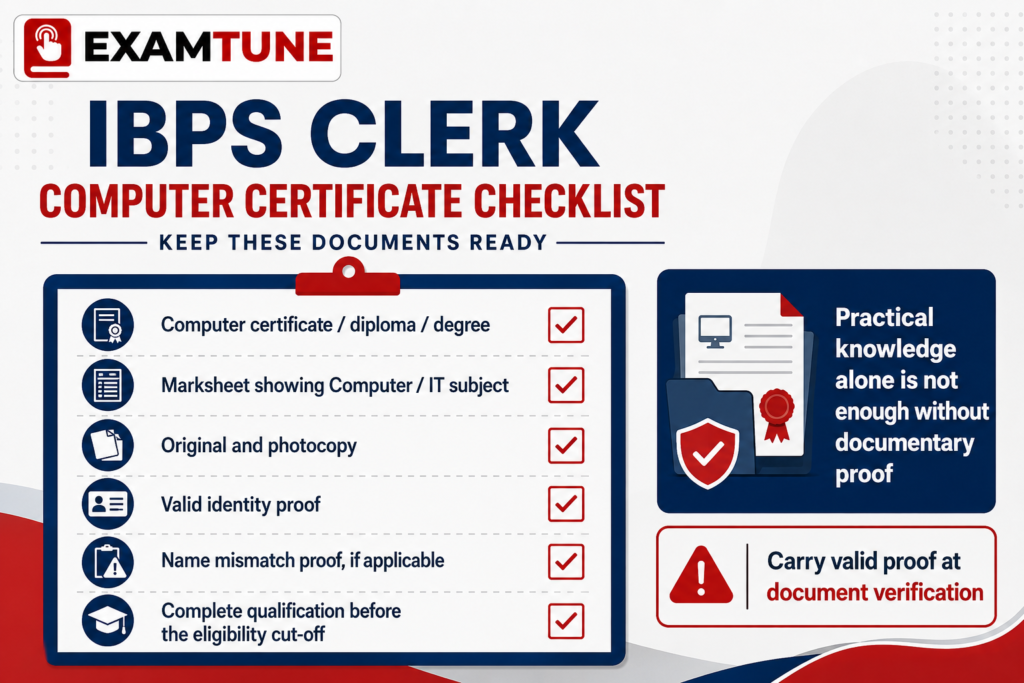
- Original Computer Certificate, Diploma or Degree, when using that route;
- relevant marksheets showing Computer, IT or the computer-language subject;
- final or provisional qualification certificate;
- proof of result-declaration date, if it is not clear on the document;
- course or institutional verification information, if required;
- valid photo identity proof; and
- name-change or name-matching proof, where applicable.
How to Choose a Computer Certificate Course
- Confirm that the course covers computer operations or computer language.
- Check the identity and status of the issuing institution or certification body.
- Verify whether the certificate, result and candidate details can be authenticated.
- Ensure your name matches your application and official records.
- Complete the lectures, assessment and certificate-request process within the required timeline.
- Save the receipt, result, certificate email and final certificate.
- Never treat a provider’s claim as a substitute for the official eligibility clause.
ExamTune Working Computer Knowledge Certification Course 2026–27
The current ExamTune course is designed for candidates seeking working-level computer learning with certification. The course page lists recorded classes, an online test, content resources and a mandatory certificate-generation request form.
- Recorded computer classes for anytime access
- Working-level computer concepts and practical understanding
- Online assessment with reattempt facility
- Mandatory certificate-generation request form
- Certificate sent to the email entered in the request form
- Course access validity stated as 24 months
Important: Enrolment in any course, including an ExamTune course, does not by itself guarantee acceptance by IBPS or a participating bank. The candidate must independently satisfy the notification, cut-off date and document-verification requirements.
Common Mistakes to Avoid
- Believing every candidate must purchase CCC or another new course;
- overlooking a valid school or college marksheet already showing Computer/IT;
- treating a participation certificate as a completed qualification;
- assuming every online or private certificate is automatically approved;
- completing the relied-upon qualification after the cut-off date;
- entering a name that does not match the application and ID proof;
- losing the original certificate, marksheet or result proof; and
- depending on advertisements instead of the official notification.
Final Verdict
Computer Certificate for IBPS Clerk does not mean every applicant must purchase a separate certificate. Computer literacy is compulsory, but it may be established through a Certificate, Diploma or Degree in computer operations or computer language, or through official academic proof showing Computer or Information Technology as a subject. Candidates relying on a separate qualification must meet the result cut-off and keep genuine, verifiable documents ready.
Prepare for IBPS Clerk with ExamTune
Build your Quant, Reasoning, English and Banking Awareness preparation with structured classes, practice and mock tests.
Official Source
Read the IBPS CRP-CSA-XVI Detailed Notification for the controlling eligibility provisions. Any applicable official corrigendum or participating-bank instruction will prevail over general guidance.
Watch the Computer Certificate Guidance
Understand the computer-literacy rule, available proof routes and certificate process before relying on any qualification.
ExamTune Computer Certification Course
Learn working-level computer concepts through recorded classes, complete the online assessment and submit the mandatory certificate-generation form using your correct name and active email address.
Popular Online Live Classes

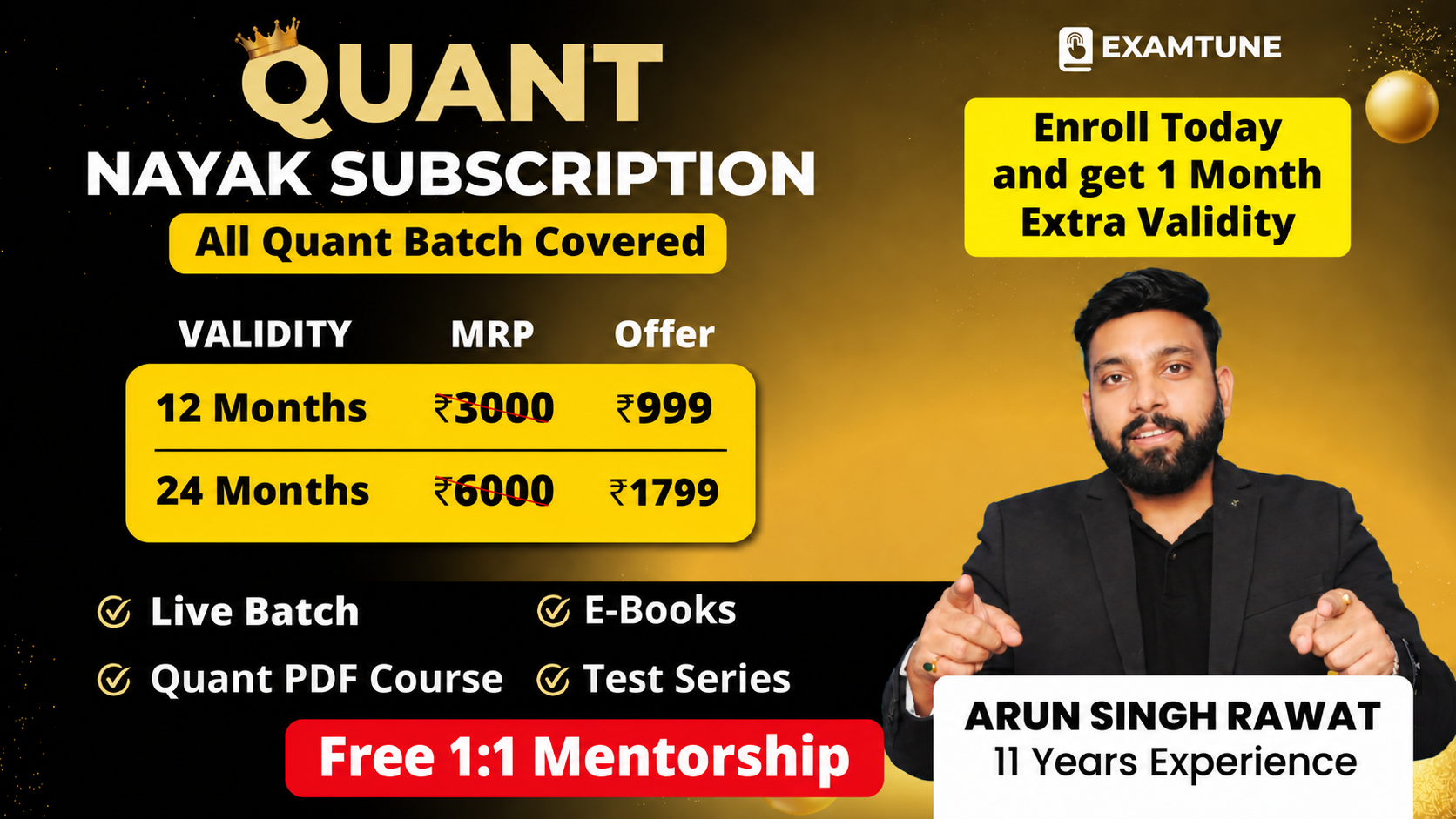
Complete Quant Nayak Subscription For All Banking & Insurance Exams 2026-27
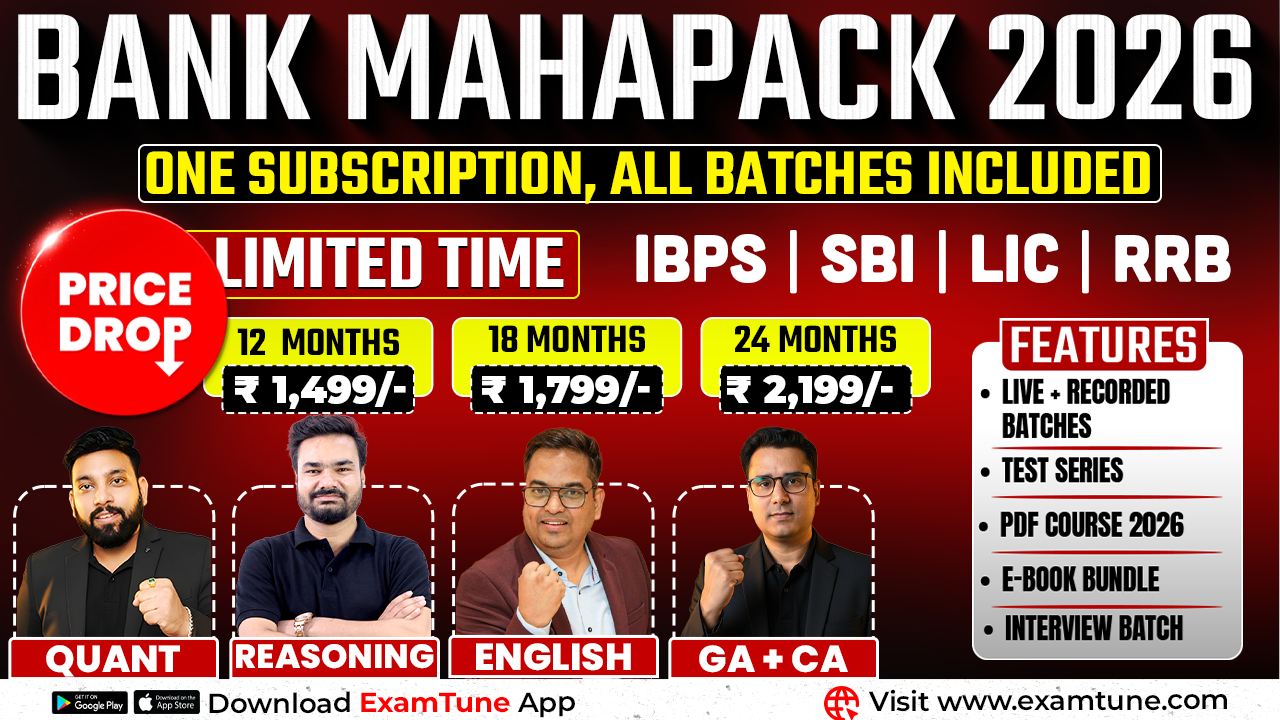
Bank Maha Pack | Complete Subscription for IBPS, RRB & SBI Exams 2026-27
Frequently Asked Questions
Is computer knowledge mandatory for IBPS Clerk?
Yes. Operating and working knowledge of computer systems is mandatory under CRP-CSA-XVI.
Does every candidate need a separate computer certificate?
No. It is generally unnecessary when an official academic record shows Computer or Information Technology as a subject.
Can I use my Class 10 computer subject as proof?
Yes, if Computer or Information Technology is clearly shown on the official High School record.
Is one graduation semester of computer study enough?
The clause states “one of the subjects” and gives no minimum semester count. Keep the relevant marksheet and complete degree records ready.
Is CCC compulsory for IBPS Clerk?
No. CCC is not named as the only compulsory qualification. IBPS permits multiple documentary routes.
Is DCA accepted for IBPS Clerk?
DCA may fit the route when it covers computer operations or language and is genuine, appropriately issued and verifiable. Final acceptance is subject to official scrutiny.
Can I submit an online computer certificate?
An online certificate is not automatically accepted or rejected because of its delivery mode. It must document a qualifying course in computer operations or computer language, satisfy the applicable recognition and 21 August 2026 qualification cut-off, and be verifiable. IBPS or the participating bank decides acceptance during scrutiny.
Can work experience replace the certificate?
Work experience is not expressly listed as a substitute. Use proof that directly matches the notification.
Is completing the certificate before DV sufficient?
Not necessarily. For CRP-CSA-XVI, the relied-upon qualification and final result had to meet the 21 August 2026 cut-off.
Who decides whether a certificate is valid?
The notification and corrigenda govern eligibility, while IBPS and/or the participating organisation conducts document scrutiny. No coaching platform can guarantee acceptance.
About the Author

Practice free quizzes, mock tests, current affairs and exam-wise preparation resources on ExamTune.