
IBPS Clerk Correction Window: 7 Important Form Correction Rules
Quick Overview
Practice free quizzes, mock tests, current affairs and exam-wise preparation resources on ExamTune.
IBPS Clerk 2026 Official Notification PDF
Download the official IBPS Clerk 2026 notification PDF to check application correction rules, eligibility, important dates and recruitment instructions.
Made a mistake in your IBPS Clerk application form? The IBPS Clerk Correction Window may allow you to correct permitted details in the submitted form within a limited period.
IBPS may provide a separate Edit Window to Modify/Correct the Application Form after registration. However, correction dates, fee and editable fields can vary by recruitment cycle.
IBPS Clerk Correction Window – Overview
| Recruitment | IBPS Clerk / Customer Service Associate |
| Facility | Application Form Correction / Edit Window |
| Mode | Online |
| Correction Date | As notified by IBPS |
| Correction Fee | As mentioned in the official notice |
| Official Website | IBPS Official Website |
What Is the IBPS Clerk Correction Window?
The IBPS Clerk Correction Window is an online facility through which eligible candidates may modify certain details after submitting their application.
It is different from normal editing before final submission. Once the application is finally submitted, changes can be made only if IBPS activates a separate correction facility.
IBPS Clerk Correction Window Date
The exact correction dates are announced separately for each recruitment cycle.
Candidates should check the official IBPS notification, application portal or correction notice instead of relying on old dates.
Who Can Use the Correction Facility?
The facility is generally meant for candidates who have successfully completed and submitted their application according to the relevant recruitment instructions.
An incomplete application or unsuccessful payment should not be treated as a successfully submitted form.
IBPS Clerk Form Correction Fee
IBPS may charge a separate fee for using the correction facility. This fee is different from the original application fee.
Always check the current correction notice because the fee and payment conditions can change in future recruitment cycles.
Which Details Can Be Edited?
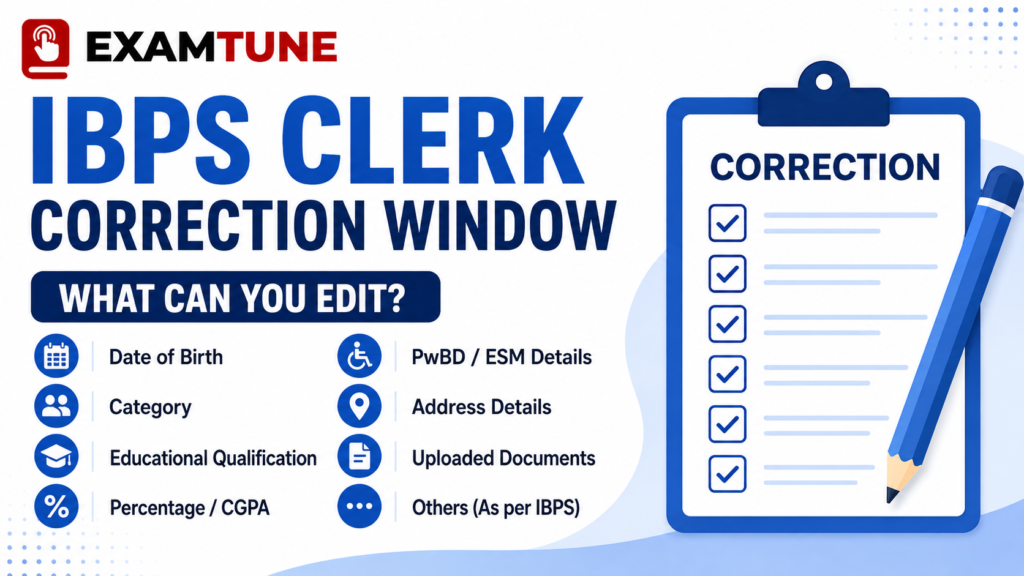
The exact editable fields depend on the options enabled by IBPS in the correction portal.
Depending on the recruitment cycle, candidates may need to review:
- Date of birth
- Gender
- Category details
- Educational qualification
- Graduation details
- Date of passing
- Marks or percentage
- PwBD details
- Ex-Servicemen details
- Uploaded documents, where permitted
Important: A field being mentioned above does not guarantee that it will be editable in every recruitment cycle.
Which Details Cannot Be Changed?
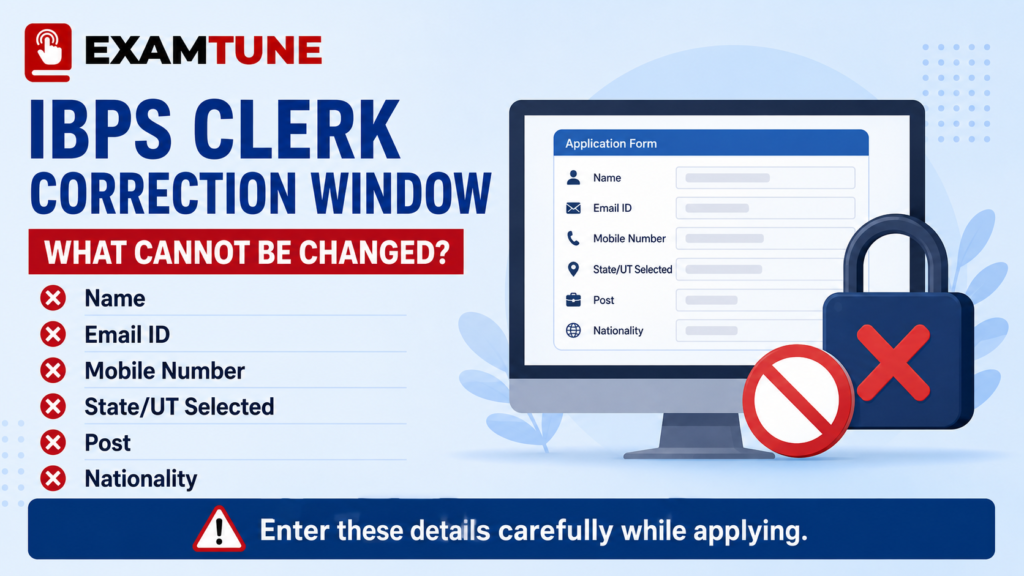
Recent IBPS CSA instructions have treated some important fields as non-editable, such as:
- Candidate Name
- Email ID
- Mobile Number
- State/UT selected against vacancy
- Certain State/UT address fields
- Post
- Nationality
Can Name, Email or Mobile Number Be Changed?
In recent correction rules, Name, Email ID and Mobile Number have been treated as non-editable fields.
Therefore, enter these details carefully during initial registration and use an email address and mobile number that you can access throughout the recruitment process.
Can Category Be Changed?
Category correction may be allowed only according to the conditions specified by IBPS for that recruitment cycle.
Before changing category, check:
- Whether the change is permitted
- Whether you have the required category certificate
- Whether the certificate meets prescribed conditions
- Whether the change affects the fee already paid
How to Correct the IBPS Clerk Application Form?
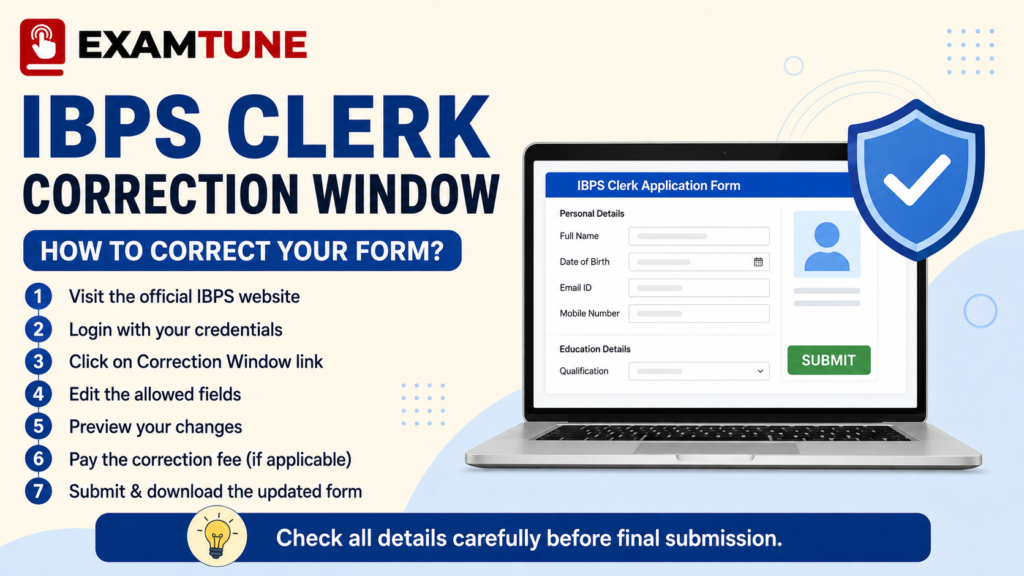
- Visit the official IBPS website.
- Open the relevant Clerk/CSA recruitment page.
- Click the Application Correction/Edit Window link.
- Login using your registration credentials.
- Open the submitted application.
- Check the fields available for editing.
- Correct the required details carefully.
- Preview the complete application again.
- Pay the correction fee, if applicable.
- Submit the corrected application.
- Download the latest application form and receipt.
How Many Times Can You Correct the Form?
Candidates should treat the correction facility as a final opportunity.
Recent IBPS instructions have allowed the modified application to be corrected and re-submitted only once during the edit window.
Therefore, check the complete form before clicking final submit.
What Should You Check Before Final Submission?
- Name and personal details
- Date of birth
- Category
- Graduation degree
- Subject or specialisation
- Date of passing
- Percentage or CGPA
- University details
- PwBD/Ex-Servicemen status
- Photograph and signature
Best method: Keep your certificates beside you and match every important entry before submitting the correction.
Wrong Graduation Details – What to Do?
If you entered the wrong passing date, percentage, degree, university or subject, first check whether that field is editable in the IBPS Clerk Correction Window.
If editable, enter the information exactly as shown on your official documents. If the field is locked, do not enter false information elsewhere to compensate for the mistake.
Wrong State Selected – Can It Be Changed?
The selected State/UT is important because vacancies, local language requirements and allotment may be linked to it.
Recent IBPS instructions have treated the State/UT vacancy field as non-editable. Therefore, candidates should select their State/UT very carefully during initial registration.
Can Photograph or Signature Be Changed?
This depends on the options available in the correction portal.
If IBPS permits replacement, upload the correct image according to the prescribed size, format and dimensions.
What If You Miss the IBPS Clerk Correction Window?
The correction facility remains open only for the period announced by IBPS.
After the window closes, further correction requests may not be accepted. Complete the correction early if you know your application contains an error.
Common IBPS Clerk Form Mistakes
- Wrong State/UT
- Name mismatch
- Incorrect date of birth
- Wrong category
- Incorrect graduation passing date
- Wrong percentage or CGPA
- Wrong degree/subject
- Incorrect PwBD or Ex-Servicemen details
- Unclear photograph or signature
IBPS Clerk Correction Window – 7 Important Rules
- Not every field is editable: Some details may remain permanently locked.
- Check official dates: The correction window is open only for a limited period.
- Review the full form: Do not correct only one mistake and ignore other details.
- Use original documents: Enter details exactly according to certificates.
- Check the correction fee: A separate fee may apply.
- Save the corrected form: Download the latest application after submission.
- Do not wait until the deadline: Complete corrections early to avoid technical problems.
Final Words
The IBPS Clerk Correction Window is useful if you discover a genuine mistake after submitting your application. However, some important details may remain locked even during the correction period.
Check your application against your certificates, correct only permitted fields and save the final submitted form.
Related IBPS Clerk Guides
Official IBPS Links
Note: Candidates should check the official IBPS website for the latest correction window dates, fee and editable-field rules.
Frequently Asked Questions
What is the IBPS Clerk Correction Window?
The IBPS Clerk Correction Window is a limited online facility that allows eligible candidates to correct permitted details in their submitted application form.
When will the IBPS Clerk Correction Window open?
The exact correction dates are announced by IBPS for the relevant recruitment cycle. Candidates should check the official IBPS notice for the schedule.
Can I change my name in the IBPS Clerk form?
Recent IBPS correction rules have treated the candidate name as a non-editable field. Always verify the current official notice.
Can I change my email ID or mobile number?
Recent IBPS rules have treated the registered email ID and mobile number as non-editable details.
Can category be changed in the IBPS Clerk Correction Window?
Category correction may be allowed subject to the conditions prescribed by IBPS for the relevant recruitment cycle.
Can I change the State/UT selected in the application?
The State/UT selected against the vacancy has been treated as non-editable in recent IBPS correction rules.
Is there a fee for IBPS Clerk form correction?
A separate correction fee may apply. The exact amount should be checked from the current official correction notice.
How many times can I correct my IBPS Clerk application?
Recent IBPS instructions have allowed the modified application to be corrected and resubmitted only once during the edit window.
Can wrong graduation details be corrected?
If the relevant graduation field is enabled in the correction portal, it can be corrected according to your official documents.
What happens if I miss the correction window?
After the correction period closes, further changes may not be accepted. Complete all permitted corrections within the official schedule.
Practice free quizzes, mock tests, current affairs and exam-wise preparation resources on ExamTune.