
IBPS Clerk Degree Name Not Listed: 7 Safe Steps
Quick Overview
Practice free quizzes, mock tests, current affairs and exam-wise preparation resources on ExamTune.
IBPS Clerk 2026 Official Notification PDF
Download the official IBPS Clerk 2026 notification to check educational qualification, application instructions, important dates and recruitment rules.
Degree Name Not Listed in the IBPS Clerk Form—What Should You Choose?
IBPS Clerk Degree Name Not Listed is a common problem faced by candidates while entering their educational qualification in the online application form. Your degree certificate may mention a specialized course name, but the IBPS Clerk form may show only broad graduation categories.
For example, your certificate may mention B.Sc. Computer Science, B.Com. Honors, B.A. Economics or B.Tech. Computer Science, while the application dropdown may only show B.Sc., B.Com., B.A. or B.Tech.
IBPS Clerk Degree Name Not Listed: Quick Overview
| Particular | Details |
|---|---|
| Exam | IBPS Clerk/Customer Service Associate 2026 |
| Recruitment Cycle | CRP-CSA-XVI |
| Minimum Qualification | Graduation in any discipline from a recognised university or an equivalent qualification recognised by the Central Government |
| Registration Dates | 1 August to 21 August 2026 |
| Main Problem | Exact degree or specialisation not visible in the dropdown |
| Safest Action | Match the main degree title with the correct available option |
| Official Authority | Institute of Banking Personnel Selection |
What Is the Official IBPS Clerk Graduation Requirement?
For CRP-CSA-XVI, a candidate must possess a degree in any discipline from a university recognised by the Government of India or an equivalent qualification recognised by the Central Government.
The candidate must also possess a valid marksheet or degree certificate proving that they are a graduate on the date of registration. The percentage of marks obtained in graduation must be entered while completing the application.
This means your eligibility does not normally depend on a particular graduation stream. However, the educational information entered in the application must truthfully correspond with your university documents.
Read the complete IBPS Clerk educational qualification guide before submitting the form.
Why Is Your Exact Degree Name Missing?
Universities use hundreds of different course names and specializations. It may not be practical for an application portal to display every degree title in a single dropdown.
Therefore, the portal may show broader degree categories such as:
- Bachelor of Arts or B.A.
- Bachelor of Science or B.Sc.
- Bachelor of Commerce or B.Com.
- Bachelor of Technology or B.Tech.
- Bachelor of Engineering or B.E.
- Bachelor of Business Administration or BBA
- Bachelor of Computer Applications or BCA
- Other or equivalent qualification
Your university certificate, however, may include an Honours title, subject, specialisation or programme name along with the main degree.
What Should You Select If Your Exact Degree Name Is Missing?
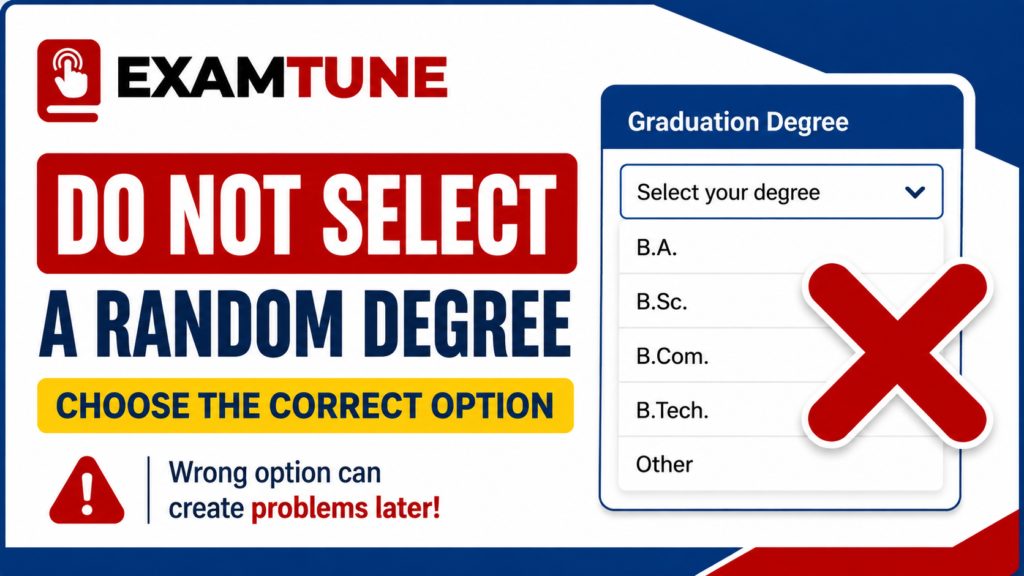
First identify the main degree awarded by your university. Do not depend only on the course name used by your college, coaching institute, admission brochure or university department.
Use the following decision process:
- Check the final degree or provisional certificate.
- Identify the main degree abbreviation and full title.
- Check whether an exact option is available in the dropdown.
- If the specialisation is missing, check for the matching main degree category.
- Select “Other” only when it is available and genuinely applicable.
- If none of the options accurately matches, stop before final submission and contact IBPS.
How to Match Your Degree Certificate With the Form Option
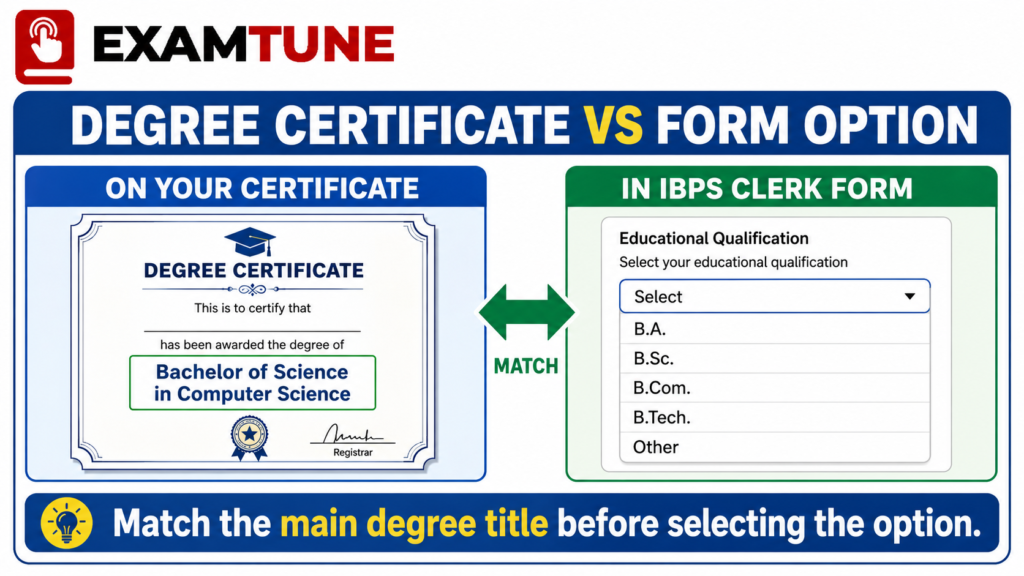
The main degree title is usually visible at the top or centre of the final certificate. The subject, branch, honours programme or specialisation may appear after it or in brackets.
For example, if the certificate says Bachelor of Science in Computer Science, the main degree is Bachelor of Science, while Computer Science is the specialisation. If the form separately provides B.Sc. Computer Science, select that exact option. If it provides only Bachelor of Science, that may be the appropriate broad category.
This logic should be used only when the broad option accurately represents the degree awarded by the university.
Common Degree Examples and Possible Form Options
| Degree Printed on Certificate | Option to Check in the Form | Important Condition |
|---|---|---|
| B.Sc. Computer Science | B.Sc./Bachelor of Science | Use the broad option only when no separate Computer Science option is available. |
| B.Sc. Honours Mathematics | B.Sc./Bachelor of Science | Select the exact Honours option when separately provided. |
| B.Com. Honours | B.Com./Bachelor of Commerce | Check whether the form separately lists B.Com. Honours. |
| B.A. Economics | B.A./Bachelor of Arts | Economics is normally the subject or specialisation. |
| B.Tech. Computer Science and Engineering | B.Tech./Bachelor of Technology | Do not select B.E. unless the portal officially groups B.E. and B.Tech. together. |
| Bachelor of Computer Applications | BCA | Do not select B.Sc. Computer Science merely because the courses appear similar. |
| Bachelor of Fine Arts | BFA | Do not automatically select B.A. if BFA is missing. Seek clarification. |
| Integrated or Dual Degree | Depends on the final degree awarded | Contact IBPS if the dropdown does not accurately represent the final award. |
Should You Select “Other” in the IBPS Clerk Form?
Select “Other” only if that option is available and none of the listed degree categories accurately matches the qualification printed on your certificate.
After selecting “Other”, the portal may provide a field to enter the degree name manually. Enter the title exactly as it appears on the official certificate, subject to the field’s character limit.
Do not select “Other” merely because your specialisation is missing when the correct main degree category is already available.
Can You Enter the Degree Name Manually?
You can manually enter the degree title only when the application form provides a text field for it. Do not type the degree name in an unrelated field, such as university name, subject, remarks or percentage.
If the form does not provide a manual field and no suitable qualification option is available, take a clear screenshot of the dropdown and submit a complaint through the official IBPS Candidate Grievance Redressal System.
Degree Name and Specialisation Are Not the Same
A degree name identifies the academic award, while a specialisation identifies the primary subject or branch studied within that degree.
Examples include:
- Main degree: Bachelor of Science
Specialisation: Computer Science - Main degree: Bachelor of Technology
Specialisation: Mechanical Engineering - Main degree: Bachelor of Arts
Specialisation: Political Science - Main degree: Master of Business Administration
Specialisation: Finance
Always inspect how the title is written on your final certificate rather than guessing from the subject names shown on semester marksheets.
Do Not Select an Unrelated Degree
Selecting an option that only appears similar can create a mismatch between the application form and the documents presented later.
A candidate should not assume that:
- BCA and B.Sc. Computer Science are the same degree.
- B.E. and B.Tech. are automatically interchangeable in every form.
- BFA can always be entered as B.A.
- BBA can be entered as B.Com.
- A diploma can be entered as a degree.
- A postgraduate degree can replace incorrect graduation details.
Eligibility may be graduation in any discipline, but the selected degree option must still describe the candidate’s actual qualification correctly.
What If You Have Already Selected the Wrong Degree?
If you have not clicked the Complete Registration button, use the Save and Next facility to return to the educational qualification section and correct the information.
After Complete Registration, the normal application form cannot be freely edited. However, IBPS has announced that an edit window will be provided after the registration period closes. The exact correction dates will be published on the official IBPS website.
For CRP-CSA-XVI, only candidates who successfully submitted the application and paid the required fee will be permitted to use the edit window. The corrected application may be re-submitted only once, and a correction fee of ₹200 inclusive of GST applies.
Educational qualification is not included in the fixed list of fields declared non-editable in the current application guide. However, candidates must check whether the live correction portal actually enables the relevant qualification field.
Read the complete IBPS Clerk form correction guide before changing any application detail.
Should You Fill a Second Application?
Do not immediately create a second registration only because the exact degree name is missing or because you selected the wrong option.
First check whether the form is still editable. If it has already been finally submitted, wait for the official edit window or seek clarification from IBPS.
Creating multiple complete applications can result in additional fees and confusion regarding the valid registration. If you have already submitted two forms, read the guide on which IBPS Clerk application will be valid.
Documents to Check Before Selecting the Degree Option
Keep the following documents in front of you while completing the educational qualification section:
- Final graduation degree certificate
- Provisional degree certificate, if the final certificate is unavailable
- Consolidated marksheet
- All semester or annual marksheets
- Official CGPA-to-percentage conversion rule
- University name and recognition details
- Date on which the final result was declared
Your degree name, university, passing date, percentage and other educational information should be supported by these documents.
Check the complete list of IBPS Clerk documents required before final submission.
How to Contact IBPS When No Correct Option Is Available
If the dropdown does not contain an exact or genuinely matching broad category, do not guess. Submit a query through the official grievance portal.
Include the following information in your complaint:
- CRP name: CRP-CSA-XVI
- Your provisional registration number, if generated
- Exact degree title printed on the certificate
- Name of the university
- Screenshot of the available degree options
- A clear explanation of why none of the options matches
- Your registered email address and mobile number
You can use the IBPS Candidate Grievance Redressal System. The official IBPS helpline numbers are 1800 222 366 and 1800 103 4566. Helpline availability is generally from 9:30 AM to 6:00 PM, excluding Saturdays, Sundays and applicable bank holidays.
Final Checklist Before Complete Registration
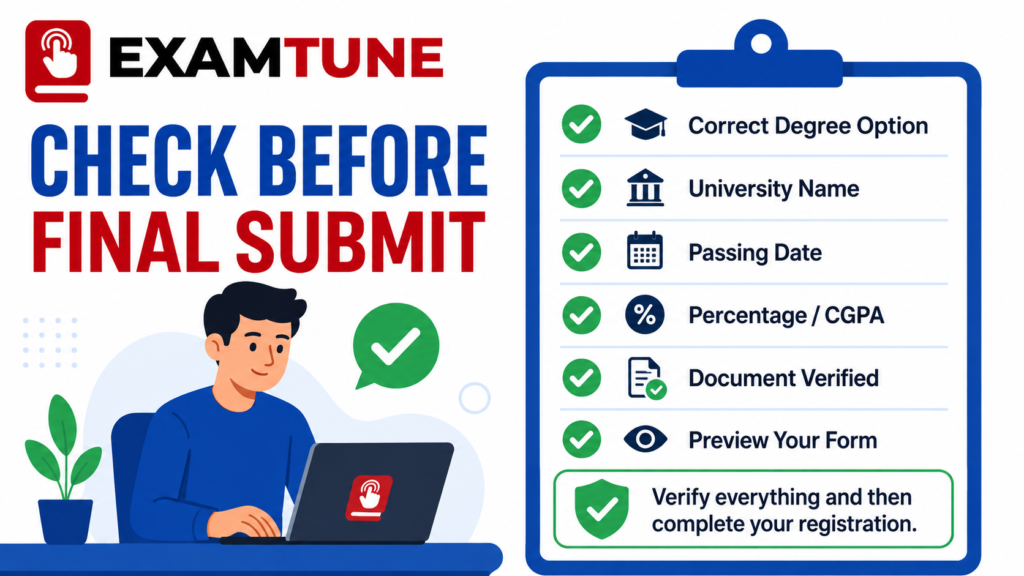
Complete this checklist before clicking the final submission button:
- Confirm that the selected qualification represents your actual degree.
- Check whether an exact specialisation option is available.
- Match the main degree title with your certificate.
- Verify the university name and passing date.
- Enter the graduation percentage according to the university’s rules.
- Do not select an unrelated qualification.
- Preview the complete form before submission.
- Save a PDF or printout of the submitted application.
- Keep the payment e-receipt safely.
- Use the official grievance portal if no accurate option exists.
Use the IBPS Clerk final form preview checklist to review all application sections before submitting.
Check Your Qualification Before Final Submission
Compare the selected degree option with your marksheet, provisional certificate and official IBPS instructions.
Conclusion
Conclusion
If you are facing the IBPS Clerk Degree Name Not Listed problem, first identify the main degree printed on your final certificate, provisional certificate or consolidated marksheet.
If only the specialisation is missing, select the corresponding broader degree category only when it accurately represents the qualification awarded by your university. Never select a random, similar-looking or unrelated degree merely to complete the application.
If neither an exact option nor a suitable broader category is available, contact IBPS through the official grievance system and retain the written response. Verify the degree name, university, passing date, percentage and supporting documents before clicking Complete Registration.
Official source: Candidates should read the latest
CRP-CSA-XVI notification
and the instructions available on the
official IBPS website.
Official recruitment rules and live portal instructions will prevail over general guidance.
Related IBPS Clerk Guides
Use these ExamTune guides to verify your eligibility, educational details, documents and application form before final submission.
Official IBPS Resources
Use the following official resources when your degree name is missing or no available qualification option accurately matches your certificate.
Frequently Asked Questions
What should I select if my degree name is not listed in the IBPS Clerk form?
Check the main degree title printed on your certificate. Select the exact or broader matching degree category only when it accurately represents your qualification.
Should I select “Other” if my exact degree name is missing?
Select “Other” only when it is available and none of the listed options correctly represents your degree. Enter the exact certificate title if a manual field appears.
My specialisation is missing from the form. What should I choose?
Select the correct main degree category if only the specialisation is missing. For example, B.Sc. may be selected for B.Sc. Computer Science when no separate specialisation option is available.
Can I select the closest-looking degree option?
Select a broader option only when it accurately matches your main degree title. Do not choose an unrelated qualification merely because its name looks similar.
Are BCA and B.Sc. Computer Science the same for the IBPS Clerk form?
No. BCA and B.Sc. Computer Science are different degree titles. Select the qualification actually awarded by your university.
Should the degree name match my certificate exactly?
The selected qualification must truthfully correspond with your certificate. The form may use a broader degree category, but you should not select a different academic award.
Can I type my degree name manually in the IBPS Clerk form?
You can enter it manually only when the form provides a dedicated field, usually after selecting “Other”. Do not type it in an unrelated field.
What happens if I select the wrong degree option?
Incorrect qualification details can create a mismatch during document verification. Correct the information before final submission or through the official edit window if permitted.
Can the degree option be corrected after final submission?
Use the official IBPS correction window if the educational qualification field is enabled. Check the latest correction notice before making any changes.
What should I do if no suitable degree option is available?
Do not select a random option. Take a screenshot of the available choices and contact IBPS through the Candidate Grievance Redressal System before completing registration.
Practice free quizzes, mock tests, current affairs and exam-wise preparation resources on ExamTune.